
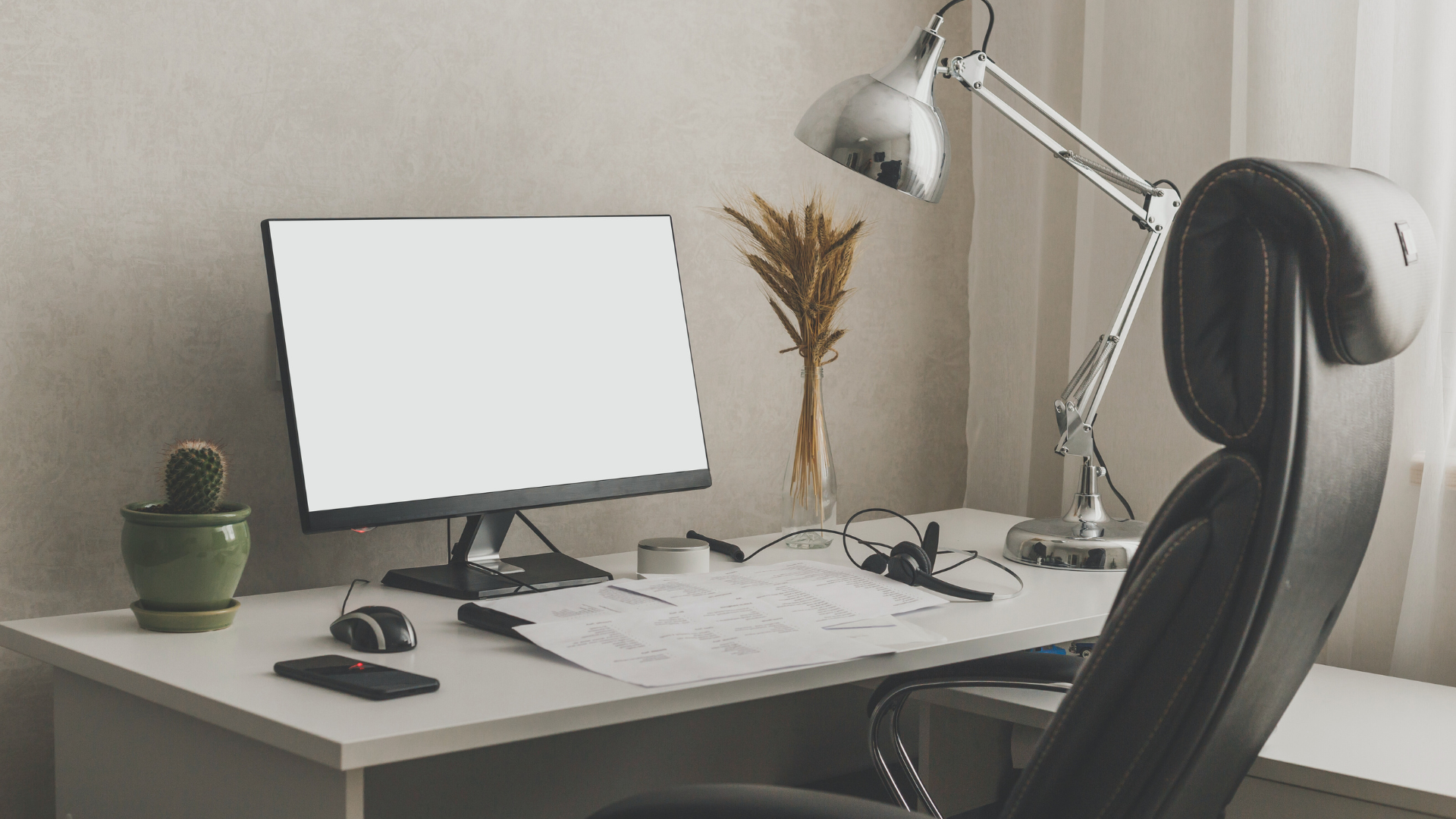

Building a portable tech setup for remote work can enhance productivity and flexibility. Key components include choosing lightweight equipment, ensuring reliable connectivity, and optimizing functionality without sacrificing comfort. With the right tools, remote work can be efficient and enjoyable, no matter the location.
Understanding the essential elements of a portable setup allows individuals to tailor their workspace to their specific needs. Lightweight laptops, portable monitors, and compact accessories can simplify travel while maintaining productivity. Equipped with a solid plan and the right hardware, anyone can create a mobile workspace that meets professional demands.
Incorporating practical tips and best practices will help ensure that remote work remains seamless, regardless of the environment. With careful planning, it is possible to enjoy the freedom of working from anywhere while staying focused and organized. Finding the right balance is crucial for long-term success in remote work settings.
Assessing Your Remote Work Needs
Identifying specific requirements is crucial for building an effective portable office setup. Understanding job requirements, personal workflow, and travel habits will help in creating a tailored tech solution for remote work.
Evaluating Job-Specific Tech Requirements
Different professions have distinct tech needs. A digital nomad working in software development may require a powerful laptop, while a writer might be fine with a tablet.
Key Considerations:
- Processing Power: Ensure the laptop can handle necessary applications.
- Software Requirements: Verify compatibility with essential tools.
- Connectivity: Plan for reliable internet access; consider mobile hotspots or signal boosters.
Choosing devices tailored to professional needs enhances productivity on the go.
Travel Style and Workflow Considerations
Travel preferences can significantly impact a portable office setup. Frequent travelers may prioritize lightweight, compact gear, while those working from fixed locations might opt for more versatile equipment.
Factors to Reflect On:
- Travel Frequency: More travel necessitates lighter gear.
- Workspace Flexibility: Determine sites for work, such as cafes or co-working spaces.
- Storage: Assess available space for tech and accessories in luggage.
Adapting tech choices to travel style boosts efficiency in diverse environments.
Minimalist Versus Fully Equipped Portable Office
Determining the extent of tech equipment needed defines the portable office’s effectiveness. Some may prefer a minimalist approach, while others benefit from extensive setups.
Considerations for Each Approach:
- Minimalist Setup:
- Lighter and more portable.
- Essential items: laptop, charger, and mobile device.
- Fully Equipped Office:
- Enhanced productivity with additional tools: external monitor, keyboard, and mouse.
- More items may lead to weight and space challenges.
Balancing portability and functionality is key to an effective remote work experience.
Core Components of a Portable Tech Setup
Creating an efficient portable tech setup involves selecting the right devices and accessories. Essential components include the laptop, ergonomic stands, input devices, and potential additional screens to enhance productivity.
Choosing the Optimal Laptop
When selecting a laptop for remote work, several factors are crucial. The MacBook Air is a popular choice due to its lightweight design and powerful performance.
Specs to consider include:
- Processor: Aim for a minimum of an Intel i5 or Apple M1 chip for smooth multitasking.
- RAM: At least 8 GB for optimal performance, especially when running multiple applications.
- Battery Life: Look for a model with at least 10 hours of battery life for extended use.
Choosing a laptop that meets these criteria ensures a balance between portability and capability, making remote work more manageable.
Laptop Stands for Ergonomics
Using a laptop stand enhances ergonomic comfort for prolonged use. It elevates the screen to eye level, reducing neck strain.
Key features to look for include:
- Adjustability: A stand should allow for height adjustments to suit different work surfaces.
- Stability: Ensure the stand can securely hold the laptop without wobbling.
Popular options include lightweight, foldable designs that can easily fit into a bag. This promotes better posture and contributes to overall well-being during remote work sessions.
Selecting a Bluetooth Keyboard and Wireless Mouse
Investing in a Bluetooth keyboard and wireless mouse improves typing comfort and efficiency. Both enable a clean workspace without the clutter of cords.
Consider the following when choosing these accessories:
- Keyboard: Look for a model with a comfortable key layout and sufficient travel distance to enhance typing speed. Backlit keys may be beneficial for low-light environments.
- Mouse: Opt for an ergonomic design that reduces wrist strain. Features like customizable buttons can enhance productivity.
These components help create a more conventional desktop experience while maintaining portability.
Integrating a Second Screen or Monitor
Adding a second monitor can significantly enhance productivity by providing extra screen real estate. This is particularly useful for multitasking, allowing users to run multiple applications side by side.
When selecting a second screen, consider:
- Display Size: A 24-inch monitor strikes a balance between portability and visibility.
- Portability Features: Look for slim designs or lightweight options that can easily be transported.
- Connection Options: Ensure compatibility with the laptop’s ports, whether through HDMI, USB-C, or other connections.
Utilizing a second screen allows for greater focus and efficiency in workflows, making it a worthwhile addition to any portable tech setup.
Enhancing Productivity and Comfort on the Go
Creating a productive work environment while on the move hinges on effective tools and organization. Key elements include sound isolation, ergonomic furniture, and proper cable management.
Implementing Noise-Canceling Headphones
Noise-canceling headphones are essential for maintaining focus in public spaces. They create an auditory barrier against distractions such as conversations and ambient sounds.
Key Features to Consider:
- Active Noise Cancellation: This technology uses microphones to detect external sounds and counteract them with opposing sound waves, significantly reducing ambient noise.
- Comfort: Look for adjustable headbands and cushioned ear cups for prolonged wear without discomfort.
- Battery Life: A model with at least 20 hours of battery life can ensure uninterrupted work sessions.
Investing in high-quality noise-canceling headphones can lead to improved concentration and productivity, making them a worthwhile addition to any portable tech setup.
Standing Desks and Desk Converters
Using a standing desk or desk converter promotes better posture and physical health. This adaptability allows individuals to switch between sitting and standing throughout the day.
Advantages of Standing Desks:
- Health Benefits: They can reduce the risk of weight gain, heart disease, and fatigue. Standing helps maintain energy levels during work hours.
- Adjustability: Choose a model that offers height adjustment for customizable ergonomics, accommodating different body types.
- Portability: For remote workers, a lightweight and foldable desk can be easily transported.
Incorporating a standing desk or converter can enhance comfort and productivity, making work more engaging and dynamic.
Cable Management and Accessory Organization
Keeping cables organized is vital for an uncluttered workspace. Poor cable management can lead to distractions and reduced efficiency.
Effective Strategies:
- Cable Ties: Use Velcro or reusable ties to bundle cables neatly, preventing tangling and damage.
- Desk Organizers: Utilize trays or stands to keep accessories like chargers and peripherals organized and easily accessible.
- Portable Cases: Invest in travel cases designed to house tech accessories safely, reducing the risk of loss or damage.
Implementing these strategies will foster a cleaner work environment that can lead to better focus and productivity while working remotely.
Tailoring Your Setup for Home and Travel
Adapting a tech setup for both home and travel requires attention to functionality and efficiency. Transitioning smoothly between environments is essential for maintaining productivity while ensuring equipment safety.
Transitioning Between Home Office and Mobile Office
To facilitate an effective transition, one should focus on having a designated home office space. This area should be equipped with a dependable desk, ergonomic chair, and reliable internet access. Additionally, portability should be considered. Using a lightweight laptop or a 2-in-1 device streamlines the shift from home to travel.
Creating a checklist ensures that all essential items are packed when moving to a mobile office. This checklist may include chargers, external monitors, and necessary accessories.
Essential items for the transition:
- Laptop
- Headphones
- Portable charger
- Smartphone
- Notebook
It’s important to maintain a consistent working environment in both settings to enhance focus.
Protecting and Transporting Your Equipment
When transporting equipment, using dedicated bags or cases is key to safeguarding devices. Padded laptop bags and protective hard cases should be used to prevent damage during transit.
Consider compartmentalized bags that can hold accessories such as cables and chargers. Keeping devices organized helps reduce the risk of losing items.
For extra protection, use screen protectors on laptops and tablets. A good practice is to back up data regularly to cloud storage or external drives, minimizing risks from theft or damage.
Power Solutions and Connectivity Tips
Having reliable power options is vital for a mobile setup. Portable power banks with multiple ports allow simultaneous charging of devices. Solar chargers can be advantageous during outdoor work.
Always check for Wi-Fi availability wherever you plan to work. Portable hotspots can provide a backup connection. Incorporating a VPN ensures secure internet access, important for accessing sensitive work materials.
In a home office, investing in a high-speed router saves time and provides a better connection. Using Ethernet cables can also improve stability when needed.